Random Quote Generator
Instantly discover inspiring quotes from a curated library of over 500 quotes. Filter by category, mood, author, or length - or let the generator surprise you. No AI, no sign-up, just great quotes.
“One who finds a faithful friend finds a treasure.”
- Jewish Saying
Today's featured quote, selected using a date-based seed - the same for everyone today.
Pick a category or mood and get a random quote instantly. Leave filters blank for a completely random selection.
How to Use This Random Quote Generator
Whether you need quick inspiration or targeted quote discovery, this tool gives you full control over a curated library of 500+ quotes from history's greatest thinkers.
Choose your mode
Advanced Mode - add filters for author, quote length, famous quotes only, and batch sizes up to 10. Perfect for targeted discovery.
Apply filters or go random
Copy, share, or explore
What Is a Random Quote Generator?
A random quote generator is a tool that selects quotes from a curated collection and displays them to the user. Unlike AI-generated text, these quotes come from real authors - philosophers, business leaders, writers, comedians, and historical figures - and are stored in a structured database.
Quote generators can serve many purposes: daily motivation, social media content, writing prompts, presentation openers, and even team-building exercises. The randomness element adds an element of surprise and serendipity that makes the experience engaging.
This particular generator draws from a library of over 500 carefully curated quotes organized by category (motivational, wisdom, humor, stoic, and more), mood (inspiring, reflective, bold, calm, and more), and author. You can filter precisely or leave everything open for a surprise.
Popular Use Cases for Random Quotes
Daily inspiration and motivation
Start your day with a thought-provoking quote. Use the Quote of the Day feature for a consistent daily ritual, or generate a fresh random quote whenever you need a mental reset.
Social media captions and posts
Find the perfect quote for your Instagram story, Twitter post, or LinkedIn update. Filter by mood to match your content tone - bold for announcements, calm for reflective posts, funny for engagement.
Speeches and presentation openers
A well-chosen quote can set the tone for an entire presentation. Search by category (leadership, business, education) to find quotes that align with your talk's theme.
Writing prompts and journaling
Use random quotes as creative writing prompts or journaling seeds. Generate a reflective or deep quote and write your thoughts in response - a proven technique for building a daily writing habit.
Classroom and educational activities
Teachers can use the generator to spark discussions, teach about historical figures, or introduce new vocabulary. Filter by category (education, wisdom) or by author to tie quotes to lesson plans.
Team meetings and motivation boards
Start team stand-ups with a daily quote. Use the Quote of the Day feature so everyone sees the same quote, then take 30 seconds to discuss it. Small rituals like this build culture.
Why Curated Quotes Matter for Your Business
In a world of AI-generated content, authenticity matters more than ever. Curated quotes from real people carry weight that machine-generated text simply can't replicate. When you share a genuine quote from a respected figure, you borrow their credibility and connect with your audience on a deeper level.
For businesses, quotes are a powerful content tool. They fill social media calendars, open blog posts, anchor email newsletters, and humanize brand communications. A well-timed motivational quote in a follow-up email can transform a cold lead into an engaged prospect. This is where the connection between content and conversion becomes clear.
Consider how your business captures and nurtures leads. Every touchpoint - from the first website visit to the final purchase - is an opportunity to communicate your values and build trust. The same care you put into selecting the right quote for a presentation should go into designing the forms that capture your audience's interest.
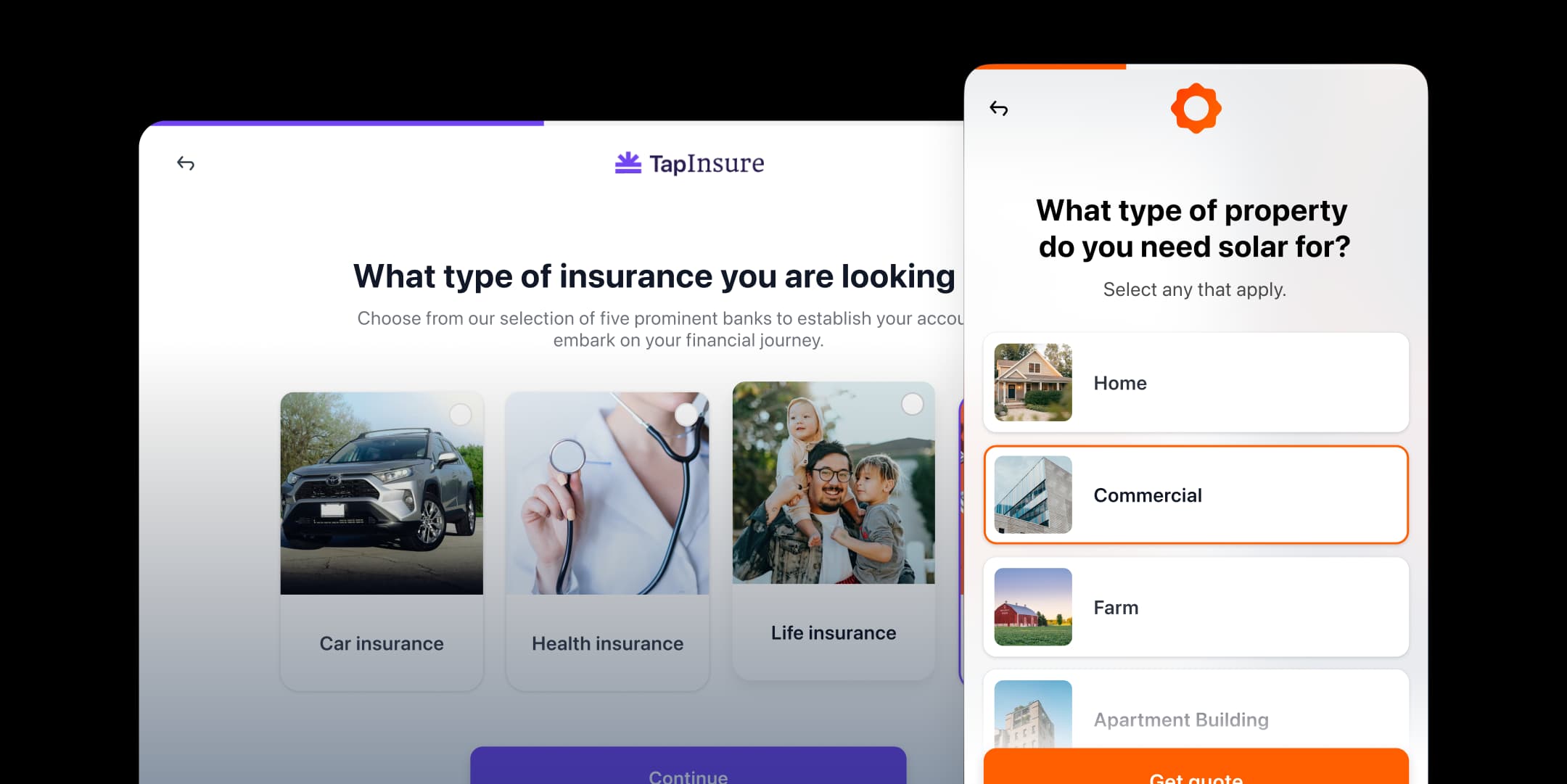
Tapform's form builder helps businesses create multi-step lead capture experiences that feel as thoughtfully designed as the content around them. Instead of generic contact forms that feel like an afterthought, Tapform lets you build conversational, branded form experiences that match the quality of your content. When a visitor on your website is inspired by your content and ready to take action, the form they encounter should feel like a natural next step - not a barrier.
Whether you're collecting quote submissions for a content campaign, gathering feedback on your messaging, or capturing leads for a coaching business, the right form makes the difference between a visitor and a qualified lead.
Best Practices for Using Quotes Effectively
Always verify attribution before sharing publicly
Many popular quotes are misattributed online. Before posting a quote to social media or including it in a presentation, do a quick lookup to confirm the author. This protects your credibility and respects the original source.
Match the quote mood to your context
A bold, aggressive quote might work for a sales kickoff but feel wrong in a memorial speech. Use the mood filter to ensure the tone matches your situation - calm for reflection, encouraging for support, funny for ice-breakers.
Use quotes as conversation starters, not replacements
The best use of a quote is as a launching point for your own perspective. Share the quote, then add your interpretation or how it connects to your audience. This transforms a generic quote into a personal insight.
Vary your sources to keep content fresh
It's easy to lean on the same famous authors (Einstein, Churchill, Jobs). Use the random feature or explore lesser-known authors to discover fresh perspectives your audience hasn't heard a dozen times.
Pair quotes with actionable takeaways
When using quotes in business or educational settings, follow the quote with a concrete action step. For example: "As Peter Drucker said, 'what gets measured gets managed' - so let's review our dashboard weekly." This bridges inspiration and execution.
Capture great quotes when you find them
Keep a running list of quotes that resonate with you. The best social media managers and speakers maintain a personal quote library they can draw from at any time. Use the Copy button to quickly save quotes you love.
Trusted by Thousands of Content Creators
What Our Users Say
- “Installing was easy peasy“
- “I love the drag and drop editor“
- “UI is super intuitive“
Frequently Asked Questions
How does this random quote generator work?
- This tool selects quotes from a curated library of over 500 real quotes. When you click Generate, it randomly picks from the full library or from a filtered subset based on your chosen category, mood, author, or length. No AI or language models are used - every quote was written by a real person.
Are these quotes AI-generated?
- No. Every quote in this tool comes from a real author - philosophers, business leaders, writers, comedians, and historical figures. The quotes are stored in a static, curated dataset. The generator logic only handles selection and filtering, not content creation.
Can I filter quotes by author or topic?
- Yes. In Easy Mode, you can filter by category and mood. In Advanced Mode, you can also filter by specific author, quote length (short, medium, or long), and toggle options like 'famous quotes only.' All filters can be combined for precise results.
Can I get multiple quotes at once?
- Yes. In Advanced Mode, you can generate 1, 3, 5, or 10 quotes at once. Each batch contains unique quotes - no duplicates within the same result set.
Why am I seeing the same quote again?
- If you see repeated quotes, enable the 'Avoid previously shown' toggle in Advanced Mode. This keeps a temporary history in your browser session and skips quotes you've already seen until the pool is exhausted.
Can I copy or share a quote?
- Yes. Each generated quote includes a Copy button that copies both the quote text and author to your clipboard. You can paste it directly into social media posts, documents, emails, or presentations.
What is the Quote of the Day?
- The Quote of the Day is a daily featured quote selected using a date-based seed. All users see the same Quote of the Day on any given day. It changes automatically at midnight and requires no user action - just visit the page.
How many quotes are in the library?
- The current library contains over 500 curated quotes across 20 categories and 8 mood types, from over 200 unique authors. The collection spans motivational, wisdom, stoic, humor, business, leadership, creativity, and many more topics.
Start collecting
more leads today.
Try Tapform risk-free for 14 days. Get full access to all features. No commitment, cancel anytime.